
Using Strava
Connect Strava and Dash reads your activities to power widgets, weekly totals, and planning views.
Widgets for training consistency
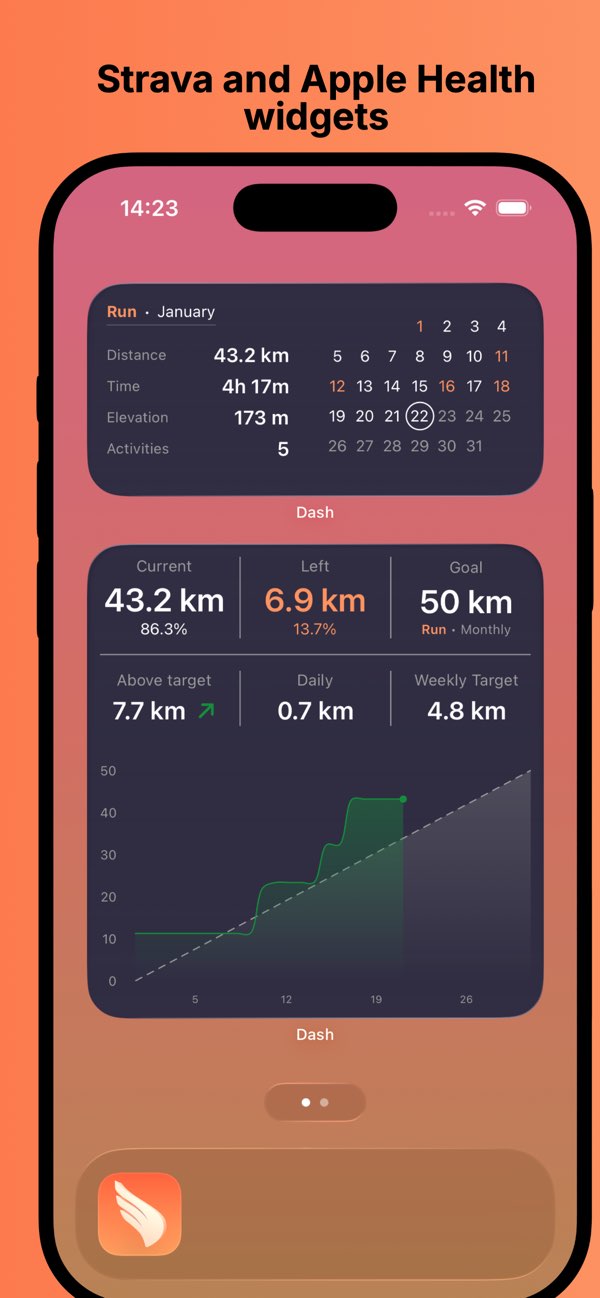
Most athletes do not need more charts. They need the right numbers at the right moment. Dash keeps your week-to-date distance, duration, pace, elevation, and goal progress visible on your home and lock screens so you can decide quickly and keep momentum - using your provider data from Strava or Apple Health.

Built for consistency before training, after training, and on rest days.
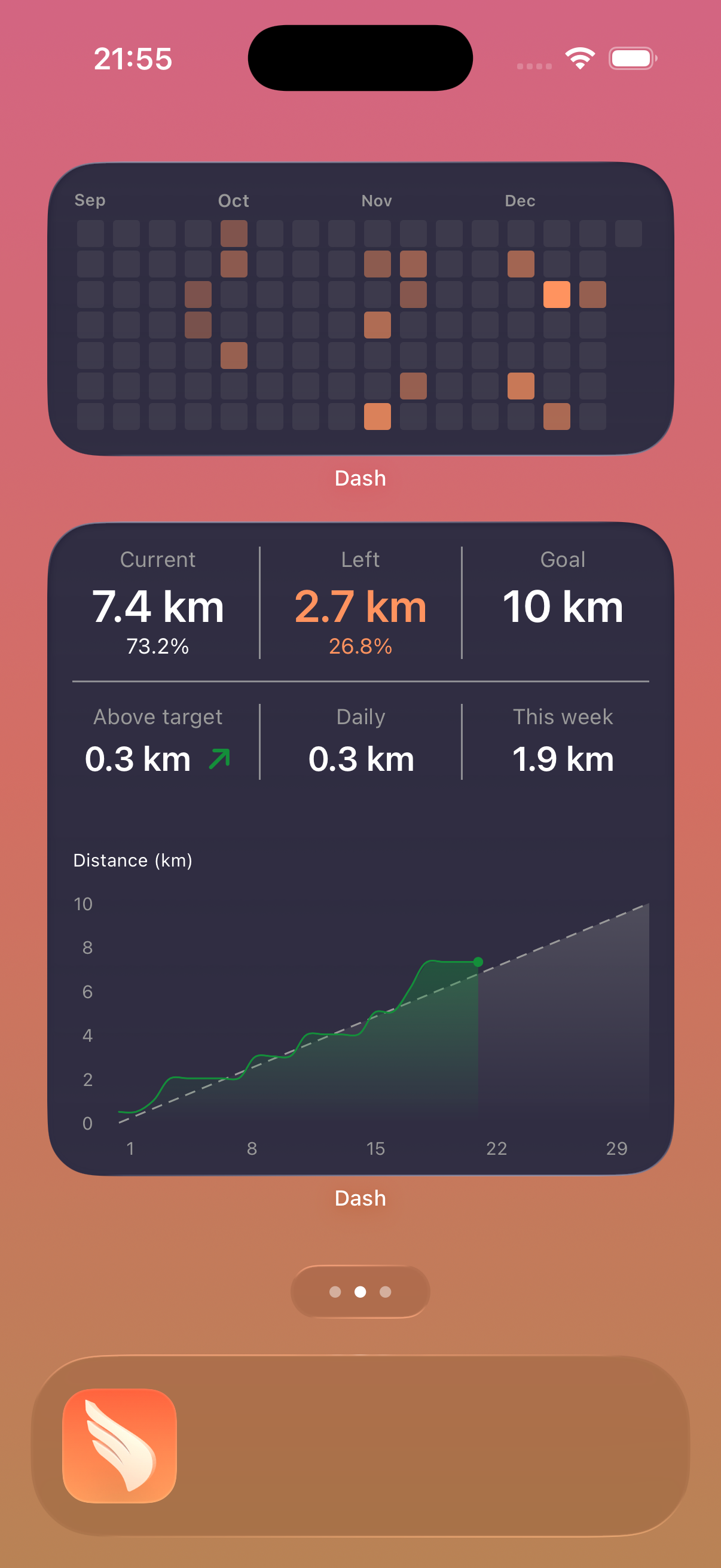
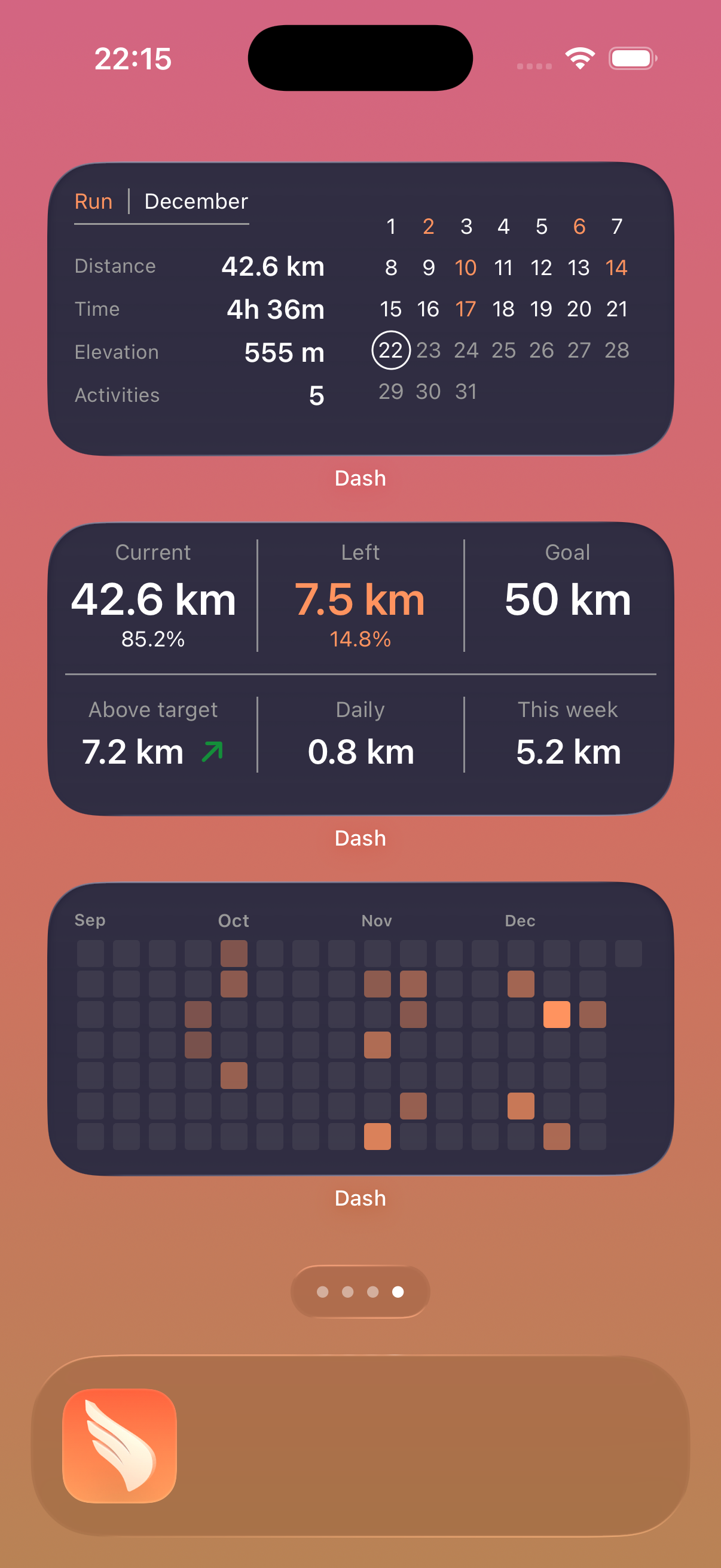
Strava and Apple Health are treated as data providers. Pick the one that matches your workflow and Dash gives you the same core experience: widgets, goals, timeline, and calendar views.
Connect Strava and Dash reads your activities to power widgets, weekly totals, and planning views.

Connect Apple Health and Dash gives you the same goal and progress views with Apple Health as provider.
Three steps, no busywork.
Connect Strava or Apple Health and let Dash read your activity data.
Define weekly or monthly goals that match your plan.
See progress on widgets and decide what to do next without opening multiple apps.
Each view is built around practical questions: How is this week going? Am I on track? Where is my training trending?
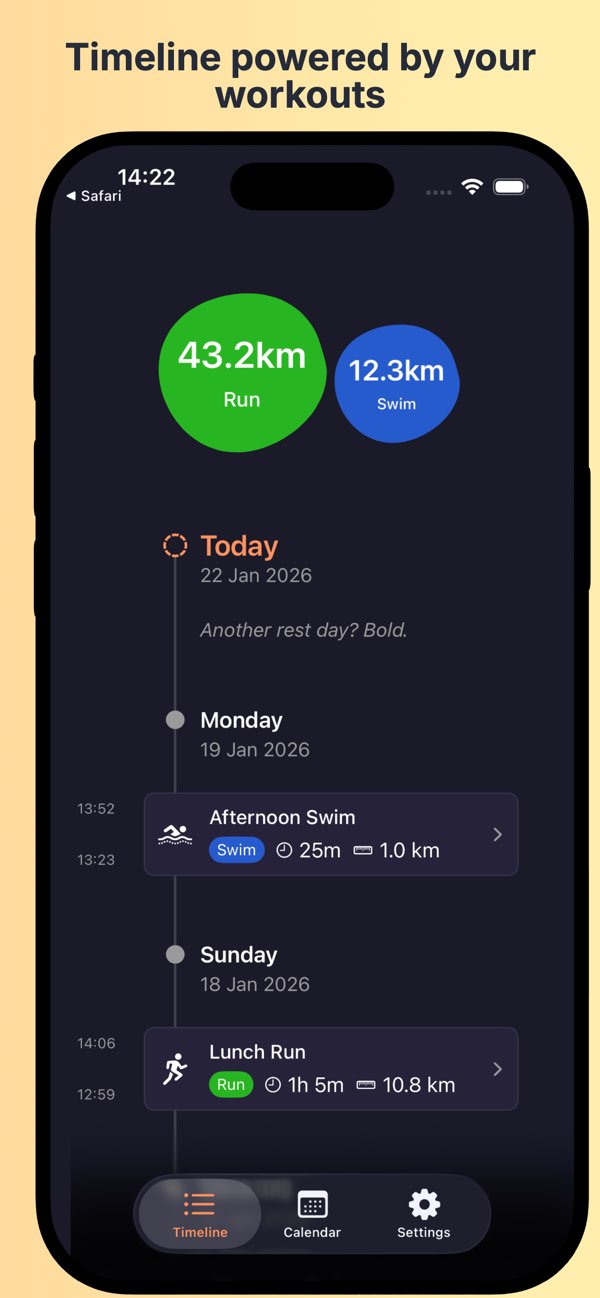
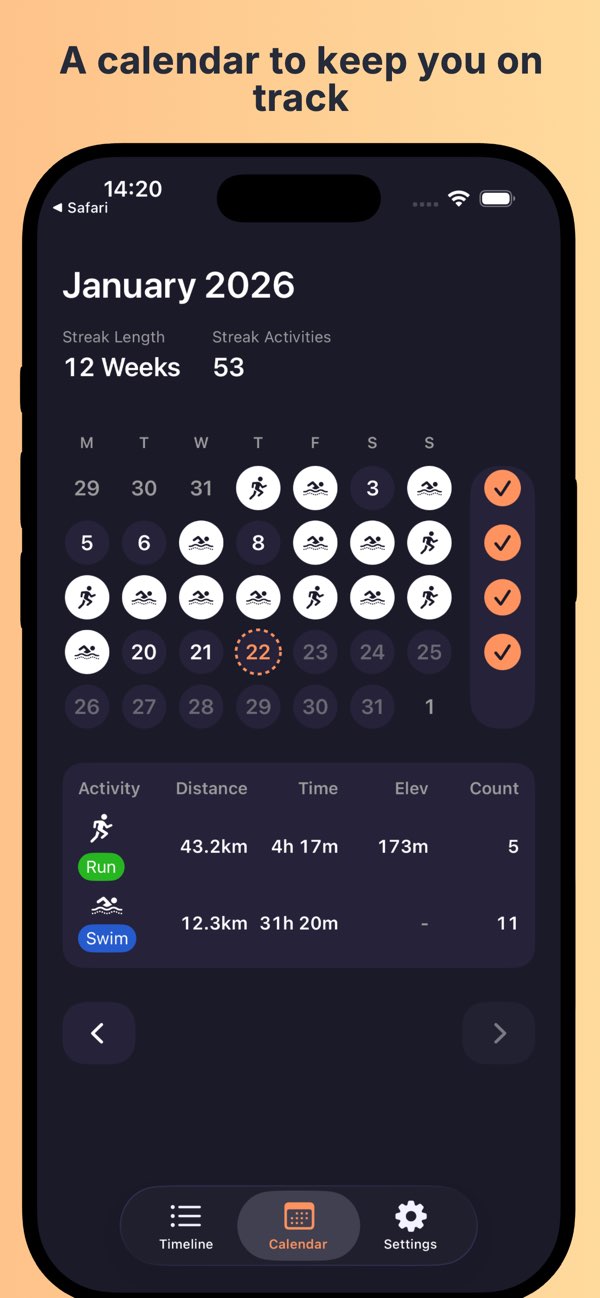
Recent App Store feedback from athletes using Dash every day.
★★★★★
App StoreBest way to get an overview of your activities from Strava. Love the widgets.
★★★★★
App StoreDash does exactly what I want from a fitness widget app: it keeps key monthly and weekly totals visible so I stay consistent.
★★★★★
App StoreI have been using this app almost daily for years. The connection to Strava works flawlessly and support has always been fast and helpful.
★★★★★
App StoreGreat app and the developer is very responsive if you contact him.
No. Dash is a companion. Keep using Strava for recording, routes, and social features, and use Dash to monitor progress and make day-to-day training decisions faster.
Yes. Dash tracks weekly and monthly targets and shows how close you are from widgets and app views, so you can answer "am I on track?" without digging through menus.
No. Dash does not track activities itself. It reads activity data from the provider you choose (Strava or Apple Health) and uses it to render widgets and progress views.
Yes. They are treated as providers. The core Dash experience remains the same whichever provider you use.
Dash does not track activities inside the app. It reads provider data from Strava or Apple Health only to calculate widgets, totals, and goals. If you have questions, contact me at [email protected].
If consistency is your bottleneck, Dash gives you a clearer signal every day.